



5 Things You Must Unplug Before Holiday Travel (Plus What to Keep Connected)
Difficulty: Novice
Time: 15 minutes
Cost: Free (saves money on energy bills)
Why You'll Like This Quick Safety Check
Heading out for the holidays? Before you grab your suitcase, there's one crucial 15-minute safety ritual that most travelers skip—and it could save you money and prevent house fires. Many electronics continue drawing power even when turned off, creating phantom energy costs that account for about 5–10% of a home's electricity consumption. More importantly, certain devices pose genuine fire risks when left unattended during extended trips.
This simple unplugging routine protects your home, cuts energy waste, and gives you real peace of mind while you're enjoying your holiday.
What You'll Need
Materials
Your home's existing electrical devices (no purchases required)
This checklist (or save it on your phone)
Tools
Your hands (no special equipment needed)
15 minutes of time
Safety First
Never unplug devices while they're actively running — always turn off first, then unplug
Check that heating devices are completely cool before unplugging and storing
Test smoke and carbon monoxide detectors before departure to ensure safety systems remain functional
Adult supervision required when unplugging devices in high or hard-to-reach locations
Steps
Start with kitchen appliances — Walk through your kitchen and unplug coffee makers, microwaves, toasters, electric kettles, blenders, and food processors.
Why these first: Devices with automatic timers pose the highest risk since they could activate while you're away.
Tip: Leave only your refrigerator connected (switch to vacation mode if available).
Tackle entertainment systems room by room — Unplug TVs, gaming consoles, set-top boxes, streaming devices, and computers.
Power down computers completely rather than leaving them in sleep mode — this helps clear RAM and protects against electrical surges.
Do a "charger sweep" of every room — Unplug all phone, tablet, and laptop chargers, even when no devices are connected.
Why it matters: Phone and laptop chargers draw power continuously when plugged in, even without devices connected.
Include: Wireless charging pads and smartwatch docks.
Address heating and personal care devices — Unplug space heaters, hair dryers, curling irons, straighteners, and heated towel warmers.
Critical safety check: Ensure heating tools are completely cool and stored away from flammable materials.
Fire prevention: Space heaters cause approximately 10,000 house fires annually, while hair styling tools are leading causes of house fires.
Keep essential safety systems connected — Leave plugged in: refrigerator, security systems, smoke/carbon monoxide detectors, Wi-Fi router, and programmed light timers.
Security priority: Light timers used for security should remain plugged in and programmed to mimic your normal routines.
Smart home note: Wi-Fi routers and modems should stay connected so smart devices can function and be controlled remotely.
Why this works: These steps reduce fire hazards, prevent unnecessary energy consumption, and protect your devices from electrical surges.
Cleanup & Disposal
Store unplugged heating devices safely away from curtains, papers, or other flammable materials
Coil charger cables neatly to prevent damage and make reconnection easier when you return
Take a quick photo of your entertainment setup before unplugging to remember how everything connects
Troubleshooting
Problem: Worried you forgot to unplug something → Fix: Create a simple room-by-room checklist on your phone and check it off as you go
Problem: Can't remember if you unplugged a specific device → Fix: Do one final walk-through, checking outlets rather than trying to remember individual items
Problem: Concerned about food spoiling in unplugged refrigerator → Fix: Only unplug refrigerator if completely empty; otherwise use vacation mode settings
Variations & Upgrades
Quick version (5 minutes): Focus only on heating devices, kitchen appliances with timers, and obvious energy vampires like entertainment systems
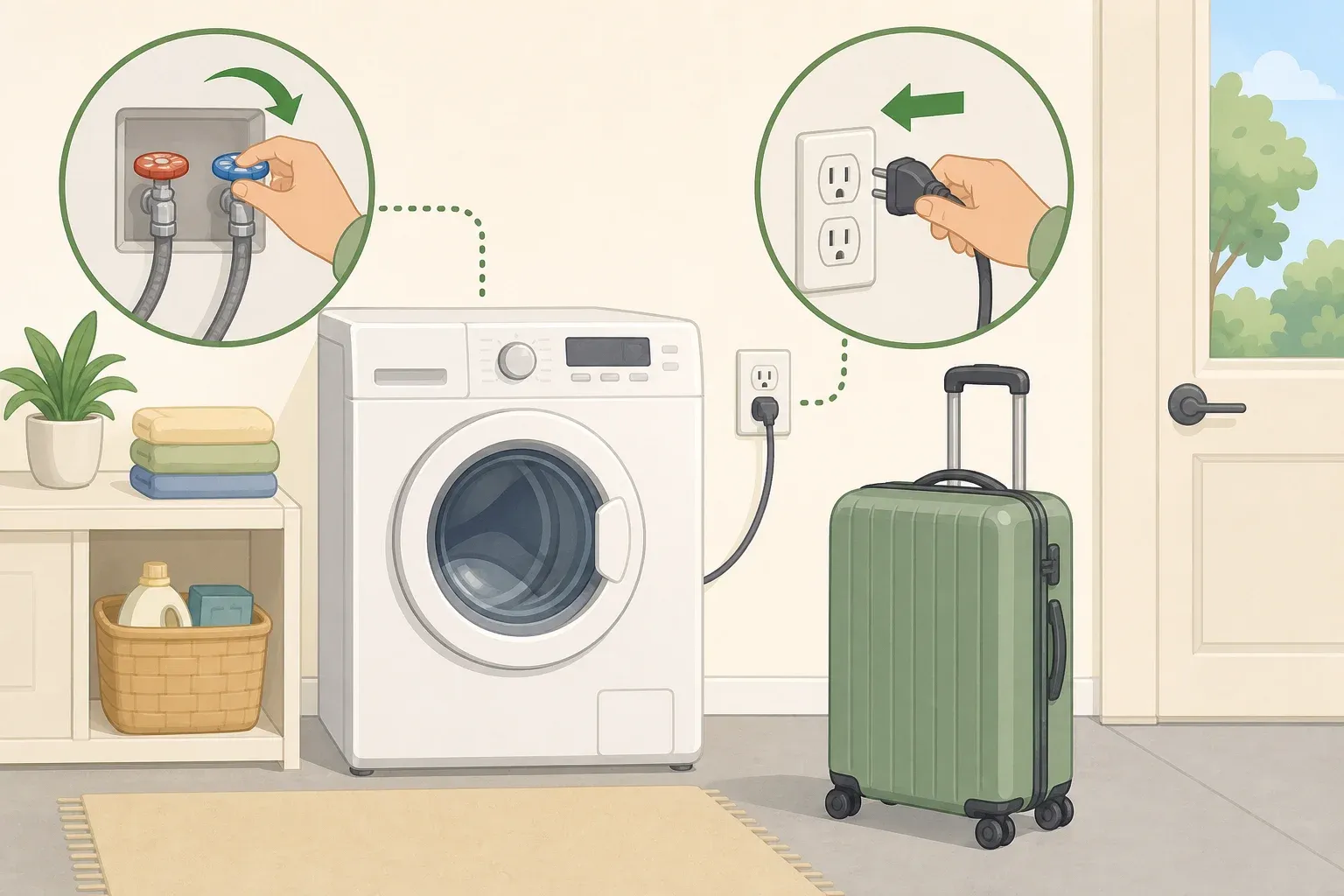
Extended trip upgrade: Consider unplugging major appliances like washers, dryers, and dishwashers for trips longer than two weeks
Tech-savvy option: Install smart power strips that can be controlled remotely to cut phantom power without physical unplugging
FAQ
Will unplugging everything really save money? Yes — a single charger might only consume 0.1 to 0.5 watts, but across multiple devices and extended time periods, this phantom load adds up. Small devices often cost only a few dollars per year in phantom power; actual cost varies with standby watts and local kWh rates.
What if there's a power outage while I'm away? Essential systems like security alarms and smoke detectors have battery backups. When power returns, only the devices you left connected will resume operation — which is exactly what you want for safety.
Should I unplug my router if I have security cameras? No — Wi-Fi routers and modems should stay connected so smart devices can function and be controlled remotely. Your security cameras need internet connectivity to alert you of any issues.
Taking these simple steps transforms a potentially risky house into a safe, energy-efficient home that's ready for your absence. The 15 minutes you invest in unplugging non-essential devices eliminates fire hazards, prevents energy waste, and ensures you can truly relax during your holiday knowing your home is secure and cost-effective.
Safe travels, and enjoy your well-deserved break!






Comments
Be the first, drop a comment!