



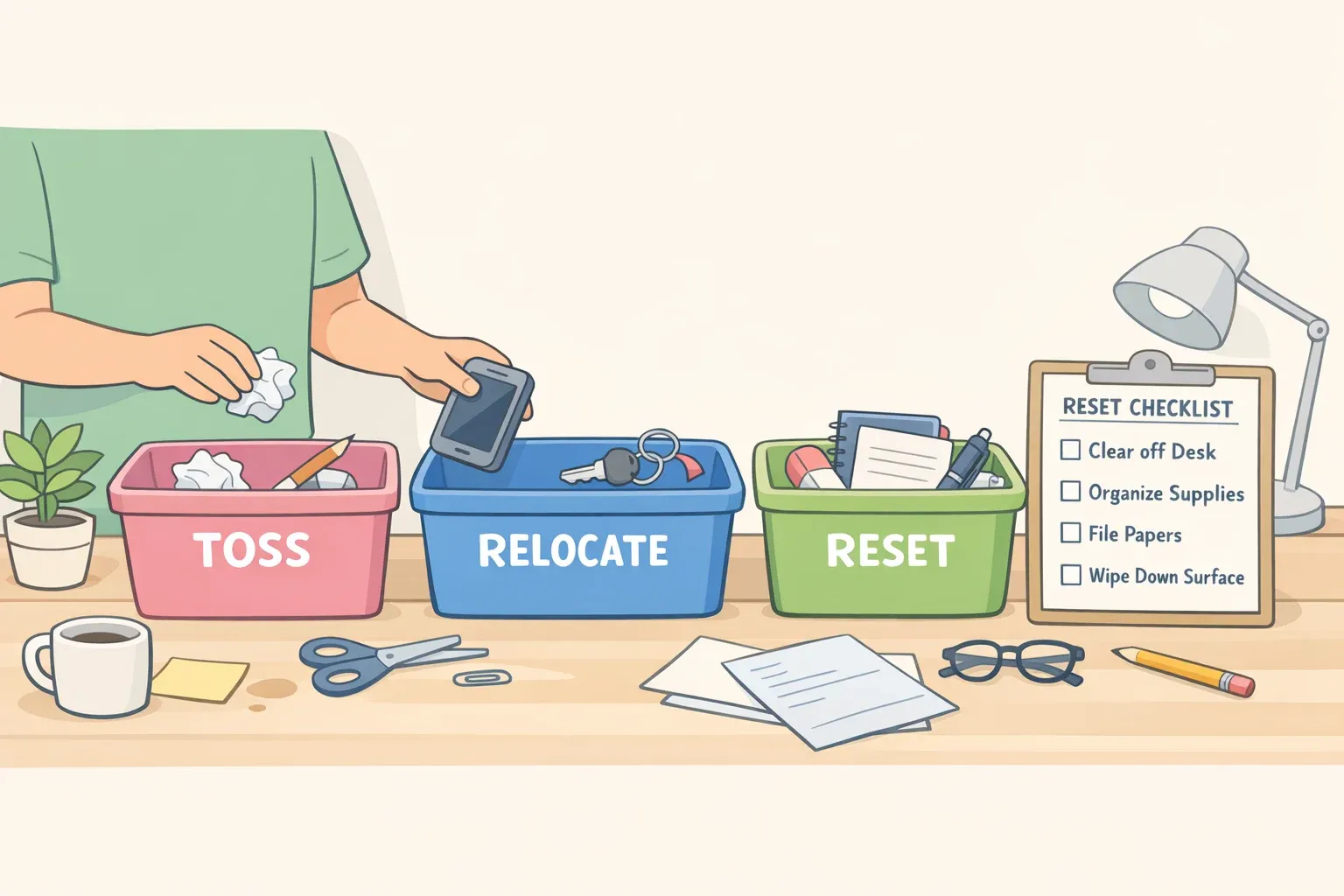
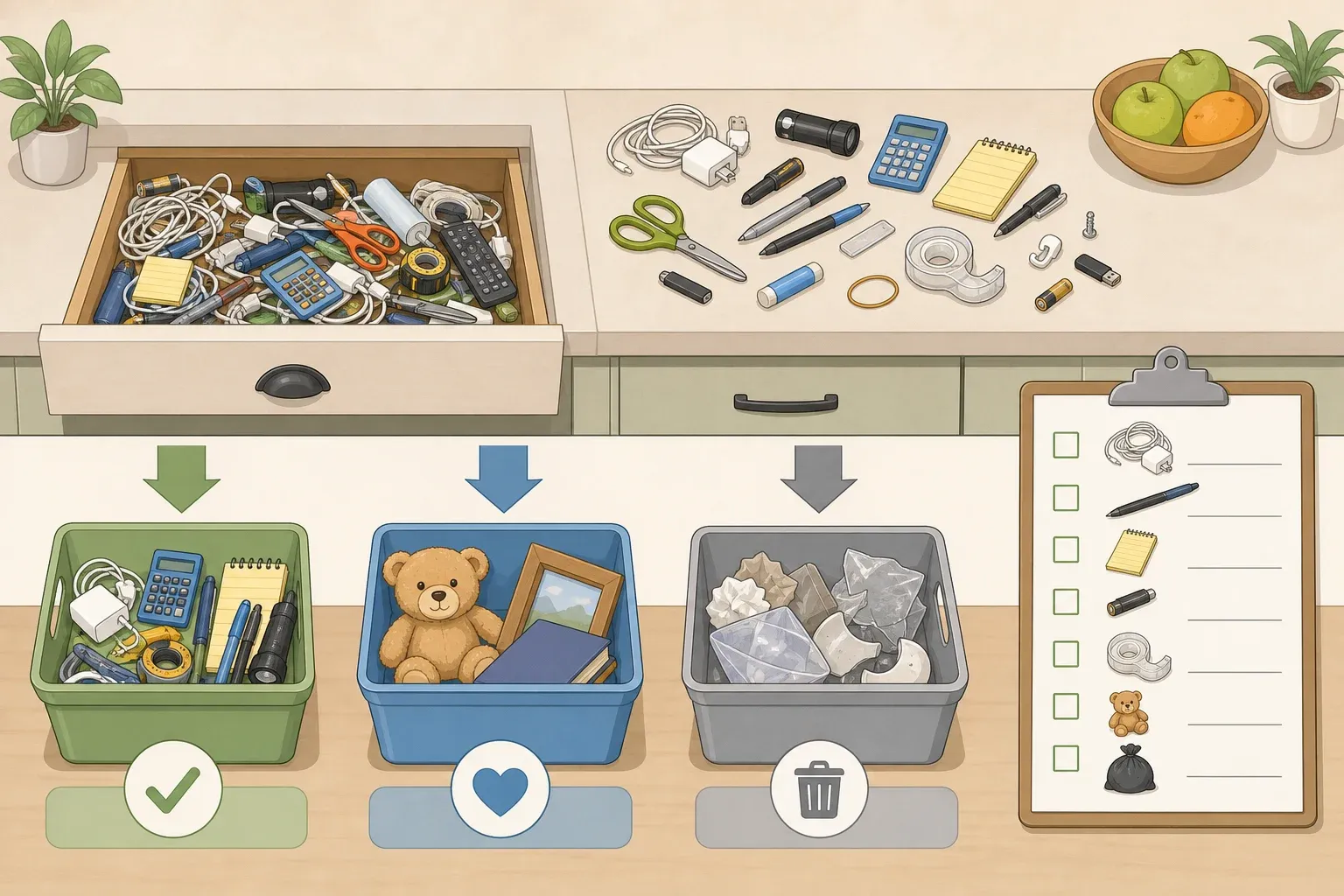
By the end of this guide, you'll know exactly which desk clutter items to throw away, which ones just need a better address, and how a five-minute daily habit keeps the whole system from unraveling. The framework is simple: toss, relocate, reset. Everything here fits one of those three buckets.
A clear desk isn't about aesthetics
The goal isn't a showroom finish. The point is making the workspace as productive as possible, full stop. Anything that can't justify "paying rent" on the surface doesn't belong there, because a clear desk creates room to work and, just as importantly, room to think, the same report notes.
There's also a neurological dimension worth understanding. Yale researchers found that objects in the periphery of vision alter how efficiently information flows through the brain's primary visual cortex. The study used macaques rather than humans, so the direct productivity link is extrapolated, but the mechanism is real, and the organizer consensus points in the same direction. The pile at the edge of your screen isn't just annoying; it may be competing for processing capacity.
One practical note before starting: if the desk is severely buried, resist the urge to tackle everything at once. Experts recommend a 15-minute zone approach, tackling one drawer, one surface, or one pile rather than attempting a full overhaul that runs out of steam before it finishes, Checkbook reported last summer. Start with the surface. The rest follows.
Step 1: Desk clutter items to throw away first
These are items that arrived on the desk for a reason that no longer exists. The decision is binary: discard or recycle.
Paper first
Paper is the highest-priority category, and the one organizers reach for first. Most of what's stacked on a desk has already been handled or is no longer relevant. It just hasn't been moved.
Triage paper into four piles:
Recycle: Junk mail, expired coupons, event flyers, outdated project notes
Shred: Anything with personal information, account numbers, addresses, financial statements, before recycling
Action: Items requiring a response or decision in the next week. These go into a single vertical file sorter or tray, not back onto the flat surface. Arkwright recommends the vertical sorter specifically because it keeps papers visible and accessible without creating a flat pile
Keep/File: Only documents with a genuine retention requirement or active reference value
Apply a one-year rule to manuals, instructions, and reference materials: if it hasn't been consulted in twelve months or can be found online, it goes. A printer manual from several years ago isn't a collector's item.
One gotcha worth flagging: Designating a basket to hold unsorted mail until there's time to process it only works if you schedule time to go through it. A basket that never gets sorted is just a pile with better posture.
Books and reference materials that haven't moved
This category gets less attention than paper but takes up more space. Unread books and books read once that won't be reached for again are among the top items cluttering home offices. The same logic applies to binders, training materials, and industry guides from roles or projects that have since ended. If it doesn't support current work, it's occupying desk-adjacent real estate without justification.
Cables and chargers without a current device
Match every cord on or in the desk to a device still owned and in use. Anything unmatched goes. Cables and chargers that don't correspond to current devices create confusion, not convenience, and replacement cables are inexpensive if one is ever needed, Good Housekeeping reported earlier this year.
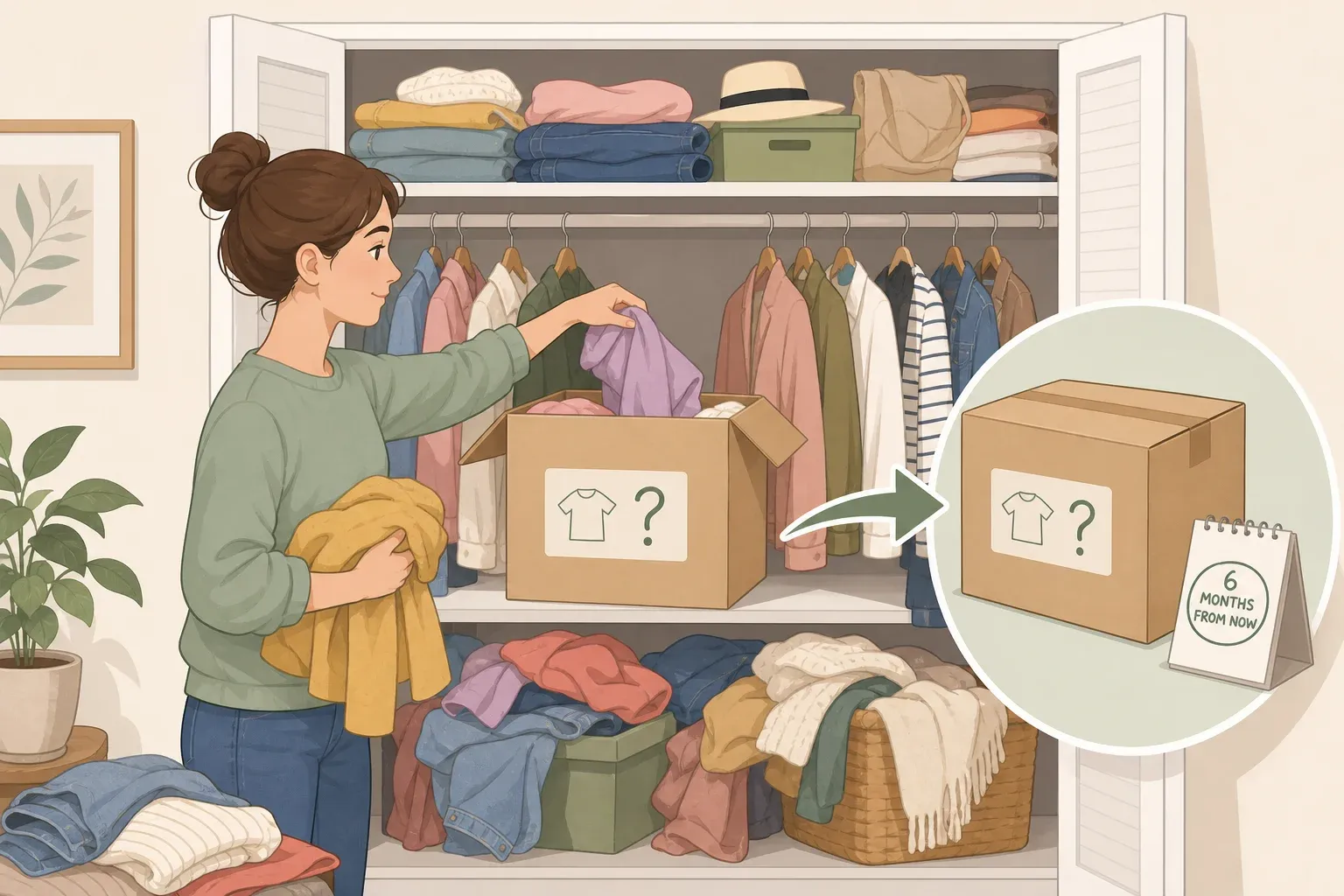
For genuine mystery cords, place them in a bag labeled with a future date. If they haven't been needed by that date, let them go. Discard anything frayed or damaged regardless.
Cords and electronics are e-waste. Check your municipality's drop-off options rather than putting them in general recycling.
Duplicate supplies
You can only use one stapler at a time. One stapler, one cup holding pens you actually like, and everything beyond that donated or discarded. Bulky standalone calculators — the one on your phone does the same job — plus excess rubber bands and paper clips to the discard list.
Two more items worth clearing: outdated electronics sitting near the workspace (old monitors, obsolete machines) and branded tote bags that migrated from a conference years ago. Old equipment consumes real estate without serving any current function.
Food packaging and excess drinkware
Empty wrappers, used containers, and takeout packaging that lingers past the meal are daily accumulation problems, not one-time events. Beyond the visual noise, crumbs, spills, and odors attract pests, especially in home offices. Clear them at the end of every work session.
Drinkware follows the same pattern. A coffee mug, a water bottle, and a canned drink can cover a desk surface by afternoon. The rule is no more than two beverages on the desk at a time; reusable containers go home to be washed at the end of the day, per the same report.
Step 2: Relocate what belongs off the surface but not in the bin
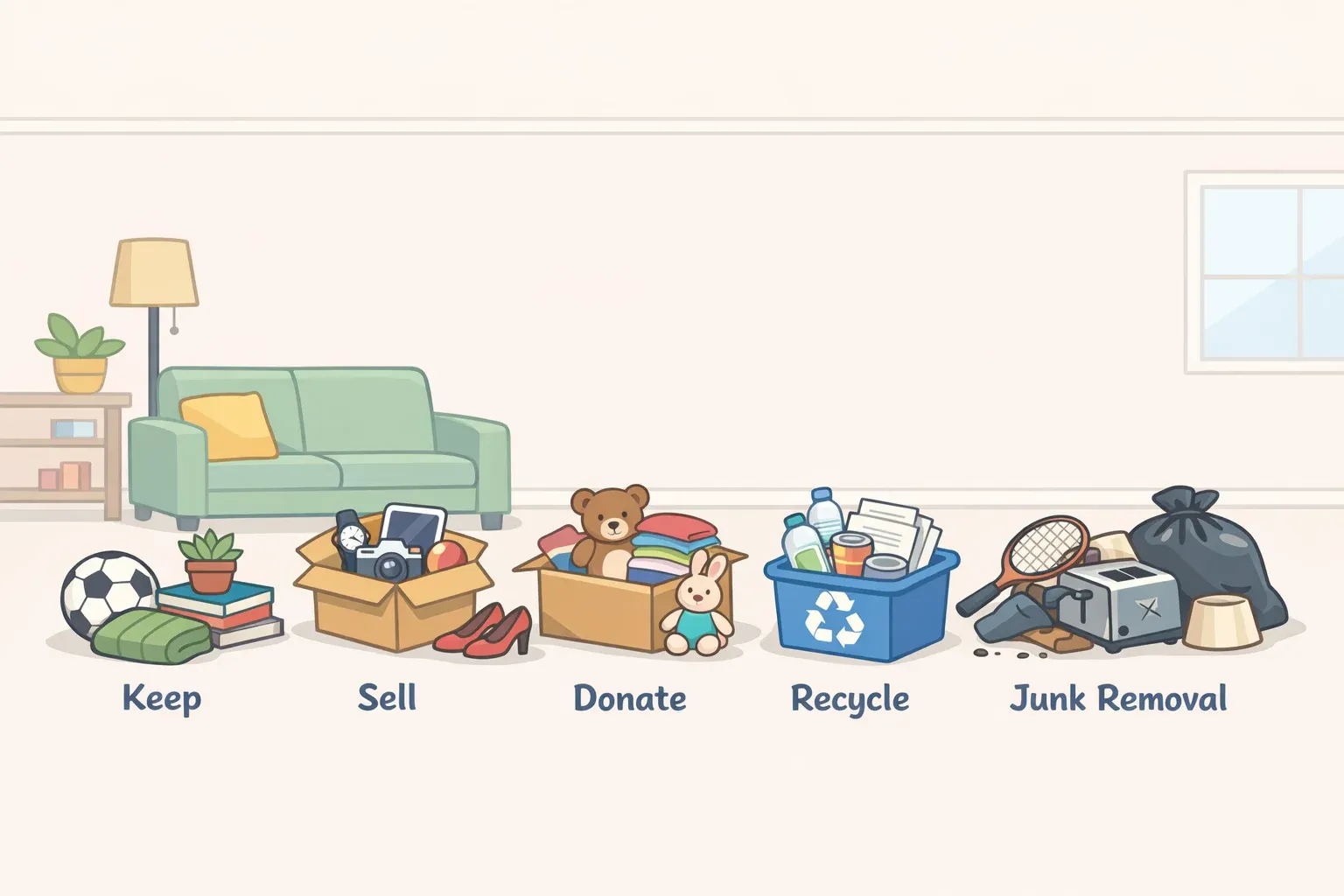
Not everything on a cluttered desk needs to go. Some of it just needs a better address. The organizing principle here is simple: relocation is for useful items that genuinely need a home, not a rationalization for keeping everything.
Before buying any new containers, the standing rule is to survey whatever bins and baskets are already on hand. Organized clutter is still clutter. Reducing total volume comes first; storage comes second.
Visual clutter: sticky notes and personal items
A handful of well-placed sticky notes is a useful productivity tool; a border of them around a monitor is visual noise. The fix: one master list, paper or digital, for everything except the highest-priority active tasks. Completed notes get thrown away immediately, and the pad itself lives in a holder or pop-up dispenser, so it has a home.
Personal photos and meaningful objects are fine in small quantities. Draw the line at knick-knacks that overflow into the workspace, which can overwhelm and distract. Limit personal items to a small tray, or replace them altogether with a single plant, Good Housekeeping reported this month.
Loose small-item clutter: change, supplies, takeout debris
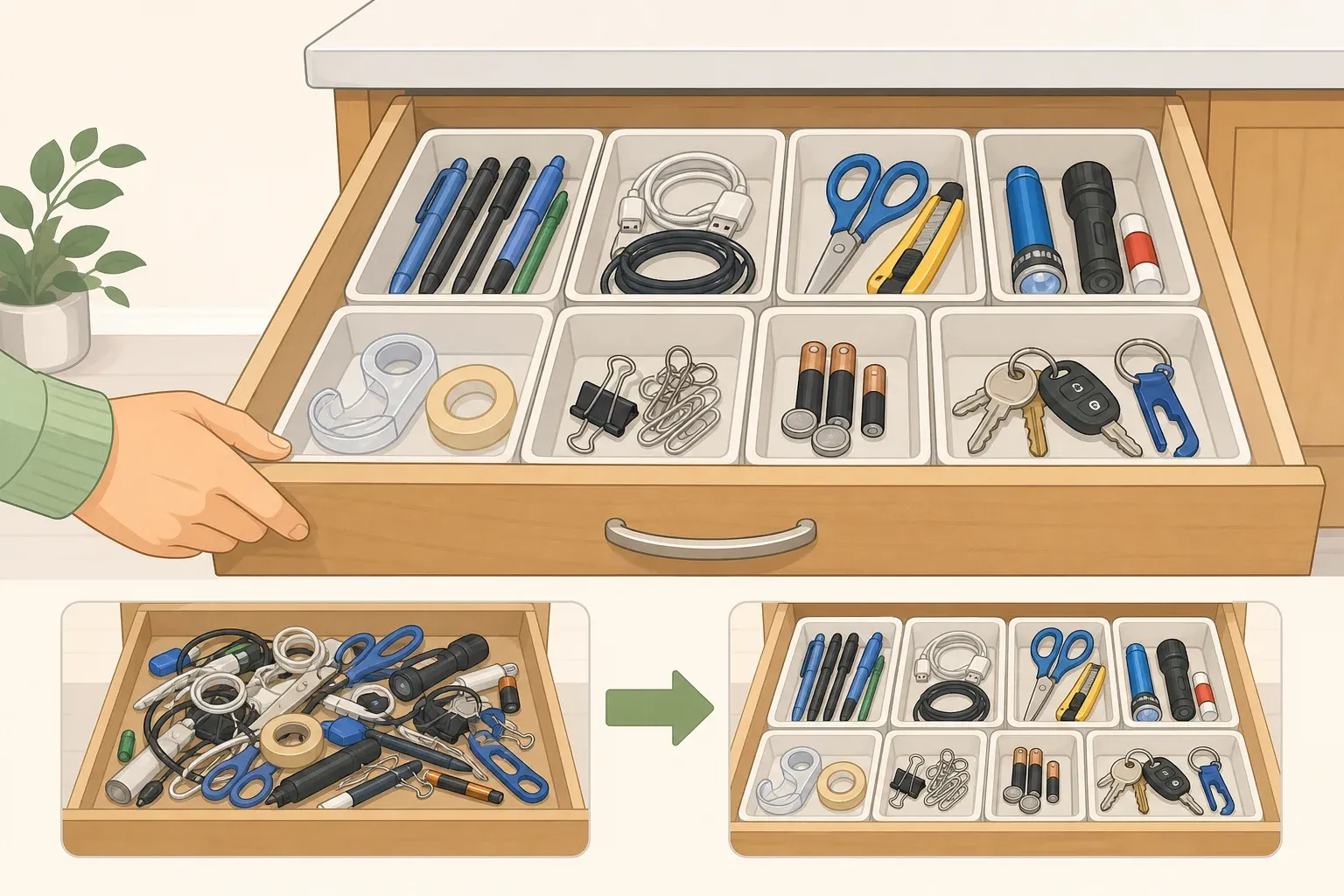
Paper clips, rubber bands, loose change, and takeout utensils accumulate through habit, not intent. The solution is simple containment: small vessels inside drawers. Loose change without a designated spot scatters and rattles every time a drawer opens; a jar or resealable bag costs nothing and eliminates the problem. A single resealable bag for takeout utensils caps the quantity automatically.
Snacks follow the same containment logic. Store them in a lidded container in a drawer; one small visible container is acceptable if preferred, but the rest stays out of sight and off the surface.
Storage constraints: desks without drawers
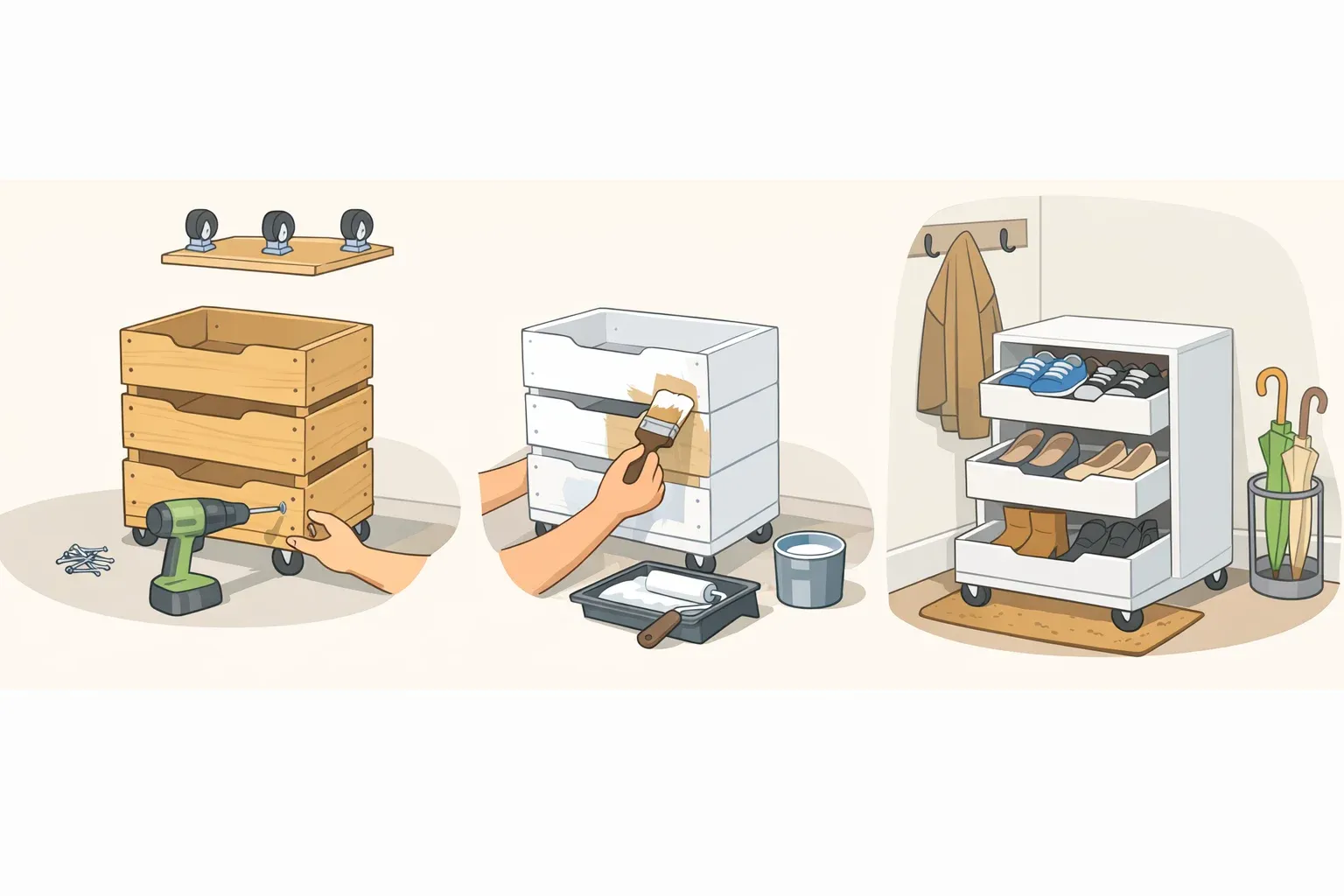
The same principles apply; items just need off-surface homes. Stackable bins, an under-desk utility cart, or a small rolling filing cabinet all work. A vertical file sorter on the surface is acceptable for active papers only; it keeps documents visible without creating a flat pile.
Tough judgment calls
For ambiguous items, use a set of decision prompts: Would you buy this today at full price? Does it get you closer to your bigger goals? Could it benefit someone else more than it benefits you? Is it worth the space it takes up? Checkbook reported last summer. Running through those questions tends to surface an honest answer quickly.
When this step is finished, the surface should hold current work, the core tools used daily (one pen cup, one notepad, one or two tech peripherals), and at most one or two personal items. Everything else has a drawer, a bin, or a recycling can.
Step 3: Build the reset habit that keeps clutter from returning
The purge solves today's problem. The reset prevents tomorrow's.
A simple end-of-day reset takes five minutes: return every item to its designated spot, clear the surface, toss wrappers and completed sticky notes, and occasionally wipe the surface down. The routine only works if disposal is frictionless. Keep a small trash bin and recycling bin within arm's reach; clutter accumulates at exactly the points where getting rid of something requires extra steps.
One cornerstone habit is simpler still: "don't put it down, put it away." Returning items to their home immediately, rather than setting them down temporarily, is what separates a clean desk from a desk that requires constant re-cleaning.
Cords that survive the initial purge should be individually wrapped with a Velcro tie, labeled, and stored together in a bag or bin inside a drawer. The labeling step is what makes the system usable; the right cable is findable without pulling everything out.
What a functional desk makes possible
The categories organizers flag most consistently share one trait: they arrived on the desk with a purpose that has since expired. Outdated paper, unread books, unmatched cables, duplicate supplies, and accumulated food packaging all fit that description, which is why they appear across professional organizer desk tips from multiple practitioners.
Reducing overall volume is the real work. Buying better containers before cutting volume just moves clutter into tidier hiding spots. A vertical file sorter and a few small bins earn their place only after the excess is gone.
What changes on the other side is practical. A cleared surface means less time scanning for documents, fewer decisions before the first task of the morning, and a workspace that doesn't signal disorder before the day has started. The five-minute reset is what makes that the default.





Comments
Be the first, drop a comment!