



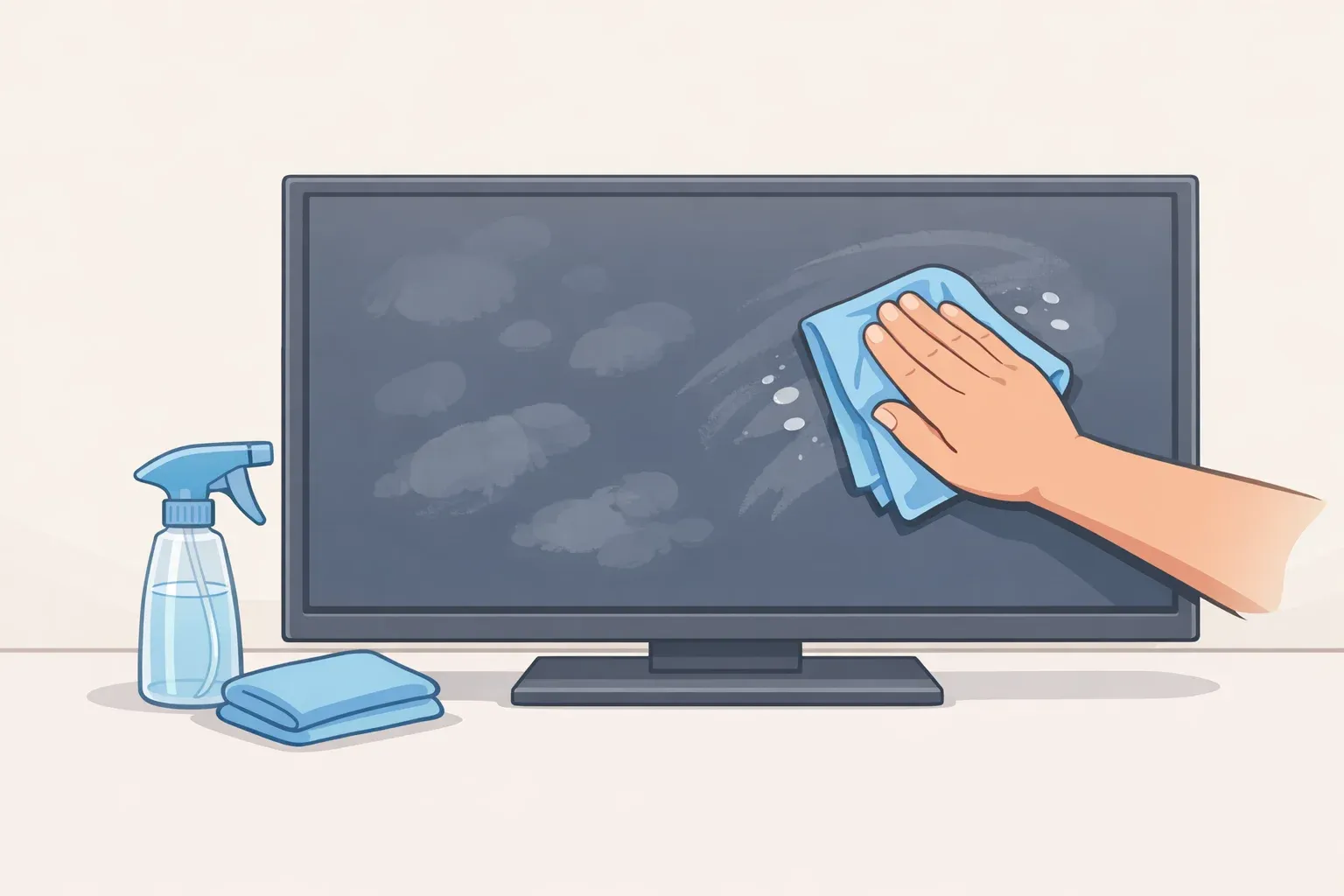
How to Clean a TV Screen the Right Way: 5 Mistakes to Avoid
The safest way to clean a TV screen is simpler than most people think: a dry microfiber cloth first, distilled water only if needed, and no household cleaners. That's the whole method. Everything below explains why those three rules matter and what happens when you skip them.
The reason it all hinges on one fact: modern flat-screen TVs are not glass. LCD, LED, OLED, and QLED screens carry ultra-thin anti-glare and fingerprint-resistant coatings that common household products can permanently destroy, according to CleaningScience. Once those coatings are gone, you're left with cloudy patches, worse glare, and reduced contrast. CleaningScience is direct about what comes next: there's no fixing it.
Much of the preventable damage described by manufacturers comes from using the wrong cleaner, cloth, or pressure, not from neglect or everyday use.
One exception worth flagging up front: older CRT tube TVs have actual glass screens and can be cleaned like other glass surfaces in your home, including with a product like Windex, as Consumer Reports confirms. Every rule below applies to modern flat screens only. If you're unsure which type you have, check the manufacturer's product page before applying any liquid.
Best way to clean a TV screen: what to use and what to skip
Before getting into what goes wrong, here's the short version for anyone who wants to clean a flat screen TV now and read the rest later.
What you'll need:
- A dense microfiber cloth made for eyeglasses or camera lenses
- Distilled water (for smudges only)
- A second dry microfiber cloth for follow-up passes
The sequence:
- Turn the TV off and unplug it
- Wipe with a dry microfiber cloth using light horizontal strokes, then repeat vertically
- For fingerprints or greasy smudges, dampen the cloth lightly with distilled water, wipe gently, then dry immediately with a second cloth
- For stubborn residue, check manufacturer guidance before going further
What to avoid entirely: paper towels, cotton rags, kitchen cloths, glass cleaner, disinfectant wipes, and anything containing ammonia, alcohol, or acetone.
The five sections below explain the reasoning behind each of those rules and what the research shows actually goes wrong.
Mistake 1: Using glass cleaner or any household chemical on the screen
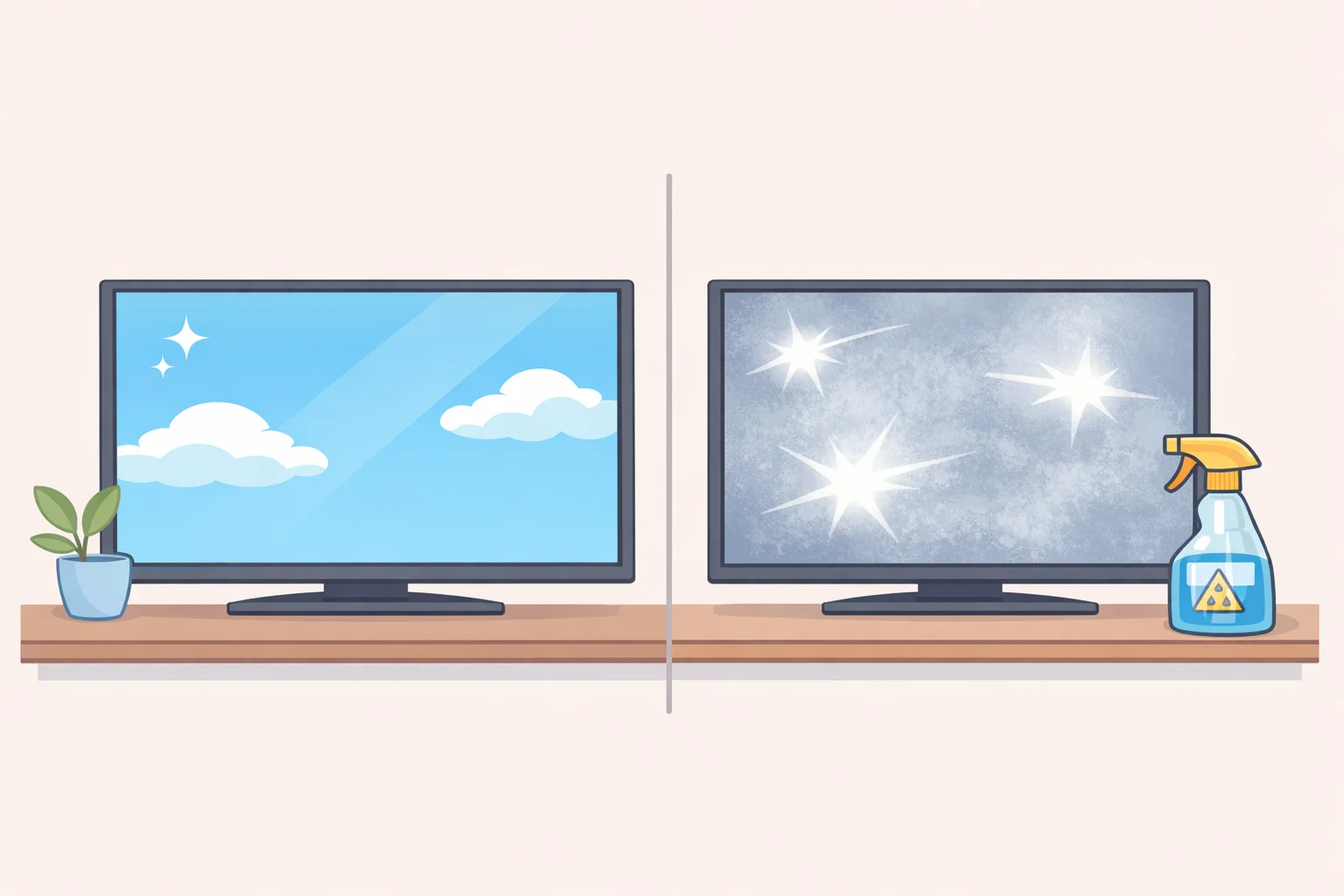
CleaningScience identifies reaching for an ammonia-based window cleaner as the most common mistake in electronics cleaning. The mechanism is straightforward: ammonia destroys screen coatings and leaves behind cloudy patches and worsened glare, with no path to repair. Alcohol creates a separate but compounding problem; repeated use degrades the fingerprint-resistant coating, making the screen attract smudges faster over time, per CleaningScience.
Samsung explicitly bans window cleaners, soap, benzene, ammonia, paint, and alcohols, noting that any of these can scratch the surface or strip the anti-glare coating. Consumer Reports confirms that alcohol and ammonia will wreak havoc on flat-screen TVs, and Good Housekeeping adds acetone to the list.
Packaged screen-cleaning kits are mostly harmless but rarely worth the cost. Consumer Reports notes that kits priced at $15 to $20 typically contain little more than a microfiber cloth and a mostly-water solution. If you do buy one, or pick up pre-moistened electronics wipes, check that they contain no alcohol, ammonia, or acetone before using them anywhere near the panel.
Mistake 2: Spraying liquid directly onto the screen
Even when the liquid itself is safe, the delivery method isn't. When liquid hits the screen as droplets, it runs toward the bezel and gets pulled into internal circuitry through capillary action, causing short circuits, corrosion, or component failure, according to CleaningScience and Samsung. Popular Mechanics adds that direct spray can also damage adjacent cabinetry and nearby electronics. Sony warns that even a small amount of liquid dripping along the lower edge of the screen could be enough to trigger a malfunction.
Spray or dampen the cloth first, then bring the cloth to the screen. The cloth should feel damp, not wet. If the cloth leaves visible moisture on the screen surface, it has too much liquid. Follow any damp wipe immediately with a dry cloth to lift residual moisture, per Samsung.
Mistake 3: Wiping with paper towels, rags, or any non-microfiber cloth
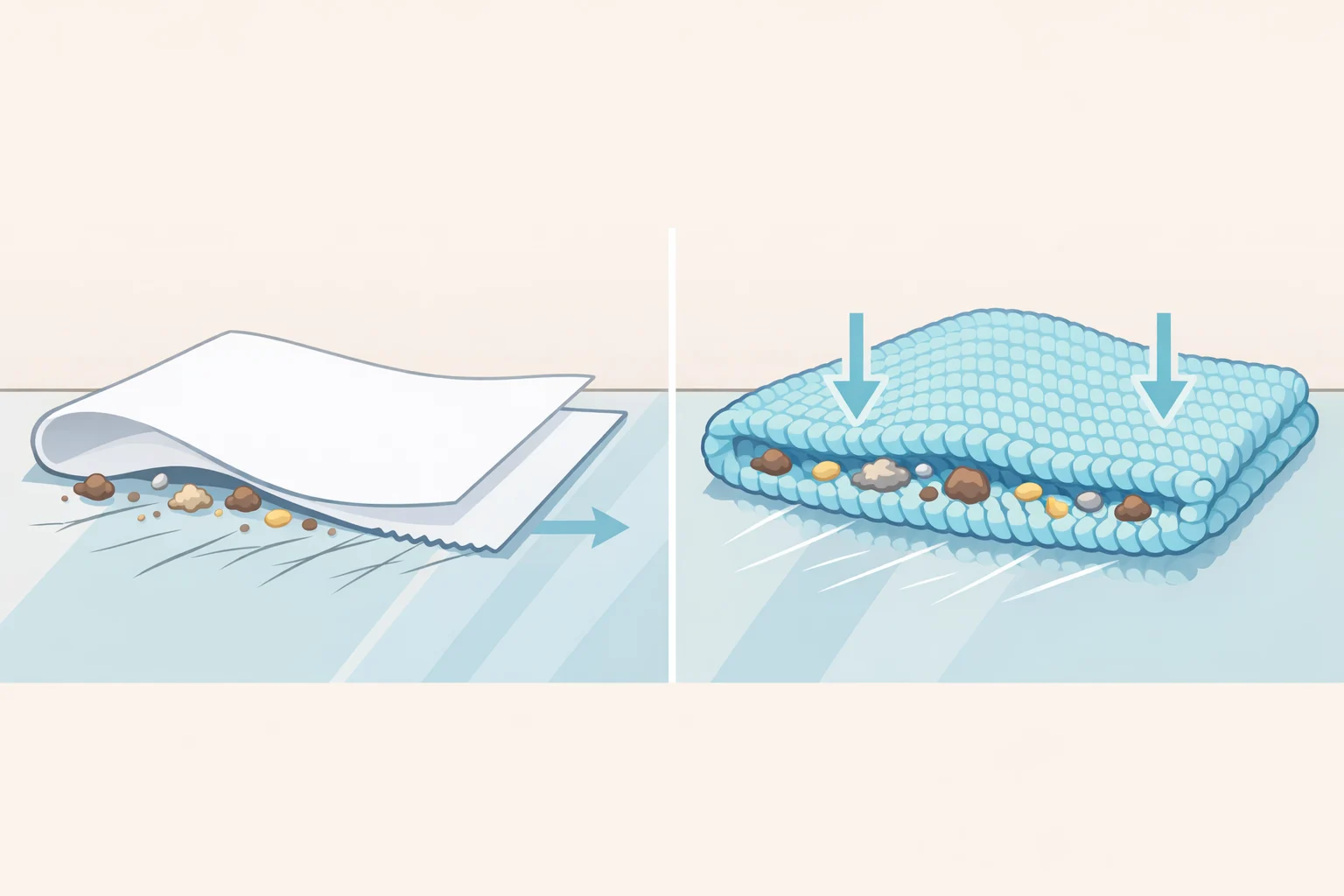
Paper towels feel soft. They're not. They're abrasive enough to scratch a modern screen coating, and the same goes for cotton rags, kitchen cloths, and most general-purpose wipes. Samsung is unambiguous: paper towels, rags, sponges, and standard household cloths are not appropriate for TV screens. Popular Mechanics flags this as especially true for LED and OLED panels.
The problem runs deeper than surface texture. Loosely woven materials don't trap particles; they drag them. A single grain of grit caught in the wrong cloth and pulled across the screen is enough to leave a permanent scratch, according to CleaningScience. A dense microfiber cloth designed for eyeglasses or camera lenses works differently: it pulls oils and particles into the weave rather than pushing debris across the surface.
For cloth selection, Consumer Reports photographer Scott Meadows, who cleans more than 200 TVs annually, recommends a soft, anti-static microfiber cloth specifically, the kind used for eyeglasses and camera lenses.
Mistake 4: Pressing hard or scrubbing at a stubborn spot
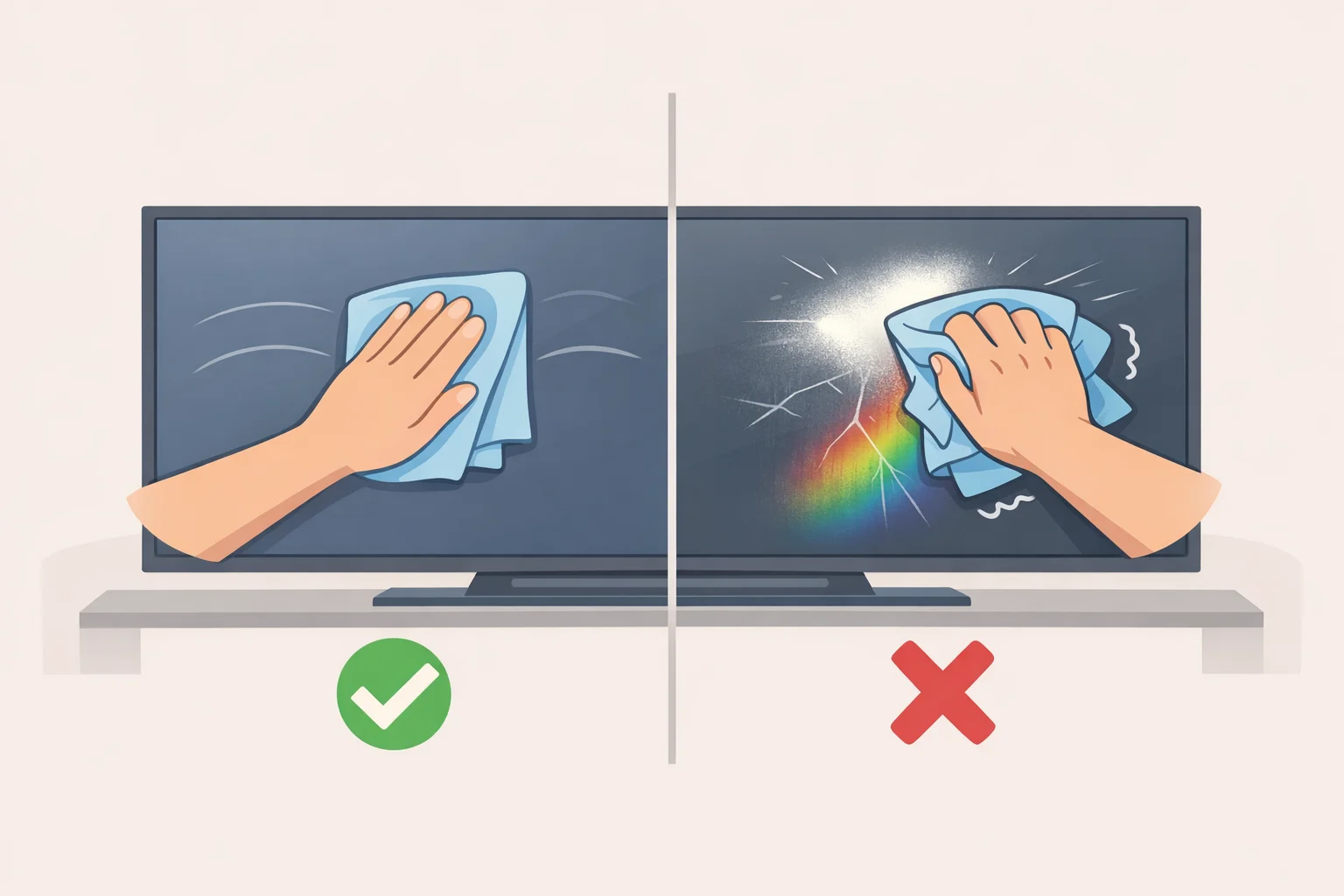
When a smudge won't budge, the instinct is to apply more pressure. On a flat screen, that instinct is wrong. Samsung states that TV screens are fragile and can be damaged by pressing too hard. Consumer Reports notes that LCD panels are especially sensitive to pressure and can scratch easily.
If a smudge doesn't clear with a light dry pass, the cautious escalation is more moisture, not more force. Dampen the cloth slightly with distilled water and make slow, deliberate strokes with the minimum pressure that still makes contact. Popular Mechanics notes that light pressure can help with particularly stubborn smudges, but warns against pressing hard. The line between light and hard is easier to respect when you've already added moisture.
On wiping direction: Good Housekeeping recommends wiping first in one direction (horizontally or vertically), then repeating in the opposite direction to cover the full screen without streaks. Follow any damp pass with a final dry cloth. One consistent approach, repeated the same way each time, is more reliable than switching techniques mid-clean.
Mistake 5: Skipping the setup before you touch the screen
Turn the TV off before cleaning, and unplug it if you're using any liquid at all. Consumer Reports TV testing director Matt Ferretti recommends this every time: a dark screen makes smudges easier to see, and a cool panel is safer to work on. Samsung adds that the screen must dry completely before the TV is plugged back in.
Two other setup errors worth naming: using a cloth that's already picked up grit from another surface (which reintroduces the scratch risk described in Mistake 3, per CleaningScience), and not checking the manufacturer's guidance before reaching for anything beyond a dry cloth. Good Housekeeping notes that following manufacturer instructions matters especially if the TV is still under warranty, so you don't do anything that could void it.
How to clean a TV screen without streaks: the full sequence
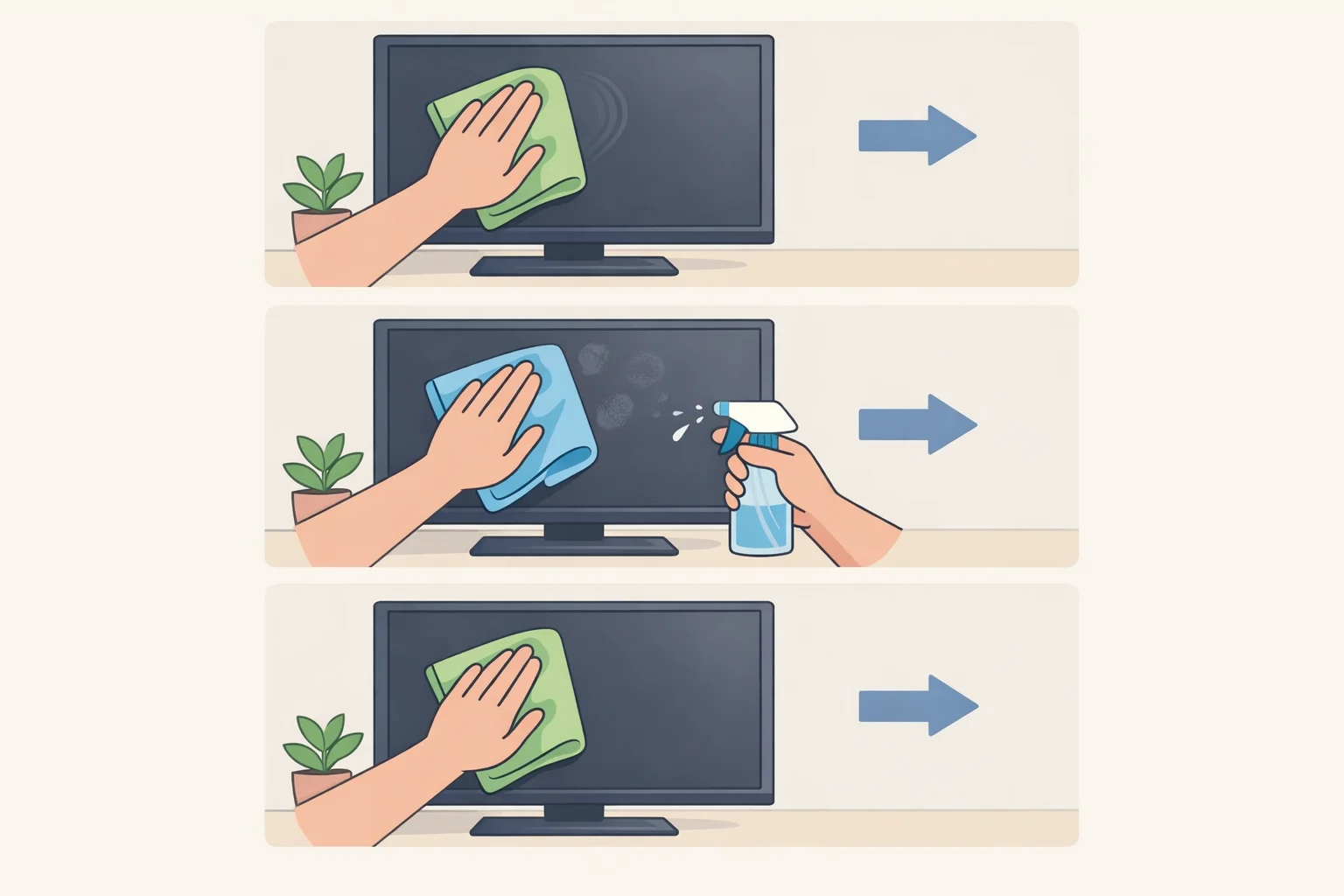
Start at the top. Stop as soon as the screen is clean. The safest clean is the least aggressive one that works.
Before starting: Turn the TV off and unplug it. Confirm the microfiber cloth is clean and hasn't been used on another surface. If the TV is under warranty, review the manufacturer's cleaning guidance before using any liquid.
Step 1: Dust or light film. Wipe with a dry microfiber cloth using light, consistent horizontal strokes across the full screen, then repeat vertically. This handles the majority of daily dust and light fingerprints. Good Housekeeping calls dry cleaning the safest default. If the screen looks clean, stop here.
Step 2: Fingerprints or greasy smudges. Dampen a clean microfiber cloth lightly with distilled water, not tap water, which can leave mineral deposits, per CleaningScience. The cloth should be damp, not wet. Wipe with minimal pressure in slow, deliberate strokes. Follow immediately with a dry microfiber cloth to remove remaining moisture. Do not spray water directly onto the screen, as both Samsung and Consumer Reports confirm.
Step 3: Stubborn residue that water alone won't shift. Check manufacturer guidance first. If it permits a cleaning solution, prepare a very mild dish soap diluted with water; Panasonic's published ratio of 100 parts water to one part soap is a reasonable ceiling, per Consumer Reports. Apply to the cloth, never directly to the screen. Wipe gently, follow with a dry cloth, then let the screen air-dry fully before plugging in. Popular Mechanics recommends at least an hour of air-drying after any wet cleaning.
CRT and tube TVs only: Glass cleaner is acceptable for older tube screens, as Consumer Reports confirms. Apply to a cloth first and wipe gently; the same delivery rules apply even when the screen can tolerate stronger products.
What no cleaning method will fix: Damage from prior exposure to harsh chemicals or abrasive cloths, stripped coatings, persistent cloudiness, visible scratches, is permanent, per CleaningScience. That's the practical reason to get the method right from the first cleaning, not the tenth.

Comments
Be the first, drop a comment!