



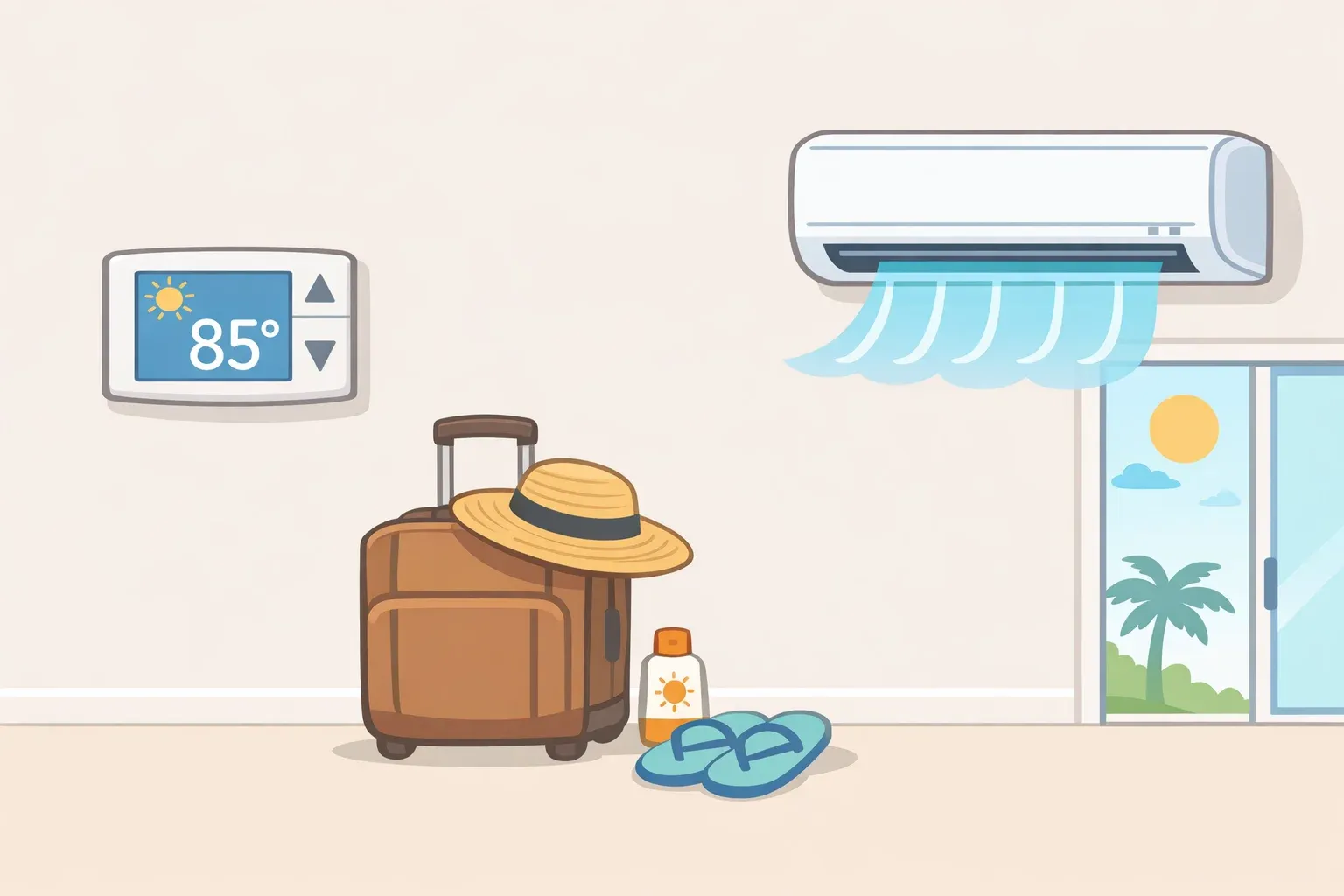
Don't turn it off. The U.S. Department of Energy is direct on this: in summer, keep the house warmer than normal while you're away and leave the system running. The goal is a higher setpoint, not a dead system.
The right number depends on your climate and what's in your home. This guide covers which setting fits your situation, two conditions that change the answer entirely, and one mistake people make on the return trip that adds real cost every time.
Before you start: Identify whether your home is in a humid climate, the Southeast, the Gulf Coast, the Mid-Atlantic, or the upper Midwest. That variable drives the most important fork in this decision.
Step 1: Set the thermostat higher, not off
The default for an empty summer home is straightforward: raise the thermostat to the highest temperature that still protects the house, and leave the system running. The U.S. Department of Energy frames the away setpoint as "as high as is comfortable," with the qualifier that it should be low enough to maintain humidity control if your climate calls for it.
That means the system runs less frequently, not that it stops running. A house that cycles its AC occasionally is in a fundamentally different state than one sitting in dead air for a week.
The DOE doesn't name a specific number, and neither will this guide. The right setpoint depends on your home, your climate, and what's inside.
When the rules change
Some conditions override the standard approach. Stay close to your normal setting if any of these apply:
Lease requirements. The U.S. Department of Energy notes that landlords sometimes require tenants to keep the thermostat above a certain temperature year-round. Check your lease before making any significant adjustment.
Pets in the home. Animals left behind can't regulate their environment. Don't raise the setpoint beyond what's safe for them.
A house sitter staying. Someone sleeping in the house shifts the calculation back toward normal occupancy settings.
Heat-sensitive medications or temperature-sensitive items stored inside. Many medications have narrow storage windows. Treat them the same as having a person present.
When something living or irreplaceable is in the house, energy savings aren't the priority. For everyone else, read Step 2 before settling on a number.
Step 2: Should you turn off air conditioner before vacation in a dry climate?
Humid climates: keep it running
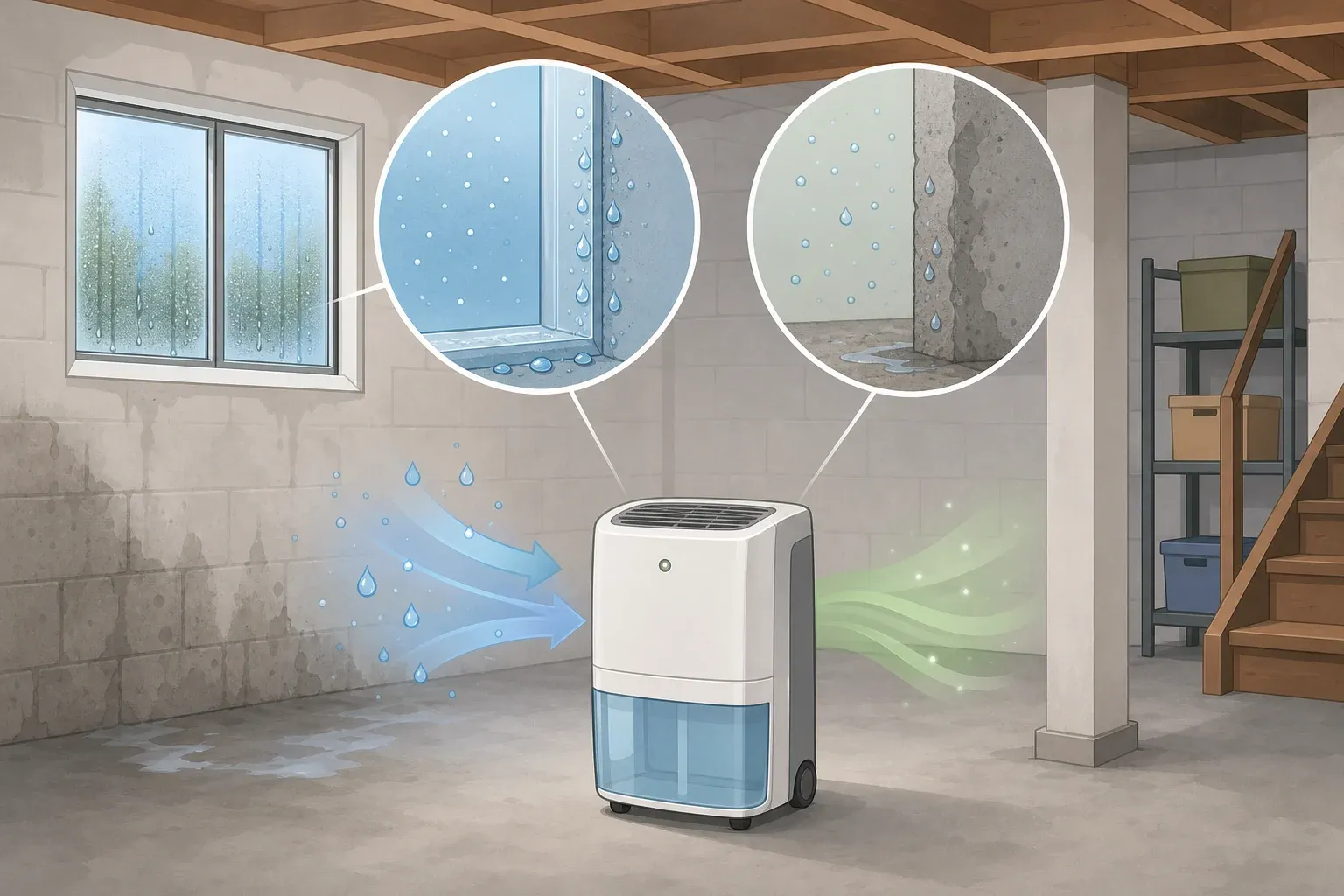
The U.S. Department of Energy explicitly lists humidity control as a reason to keep cooling running while away, not just comfort. An AC system that cycles occasionally removes moisture from the air as a byproduct of cooling. One that's fully off stops doing that entirely.
If you're in a humid climate: Keep the AC running at a raised setpoint, regardless of trip length. Your flexibility is in how high you raise the thermostat, not in whether it operates.
Dry climates: more room, but the same basic guidance applies
In a dry climate, the moisture concern drops away, which is where some people start weighing a full shutdown. The DOE guidance doesn't carve out a dry-climate exception; it points toward a higher setpoint across the board. If you're seriously considering turning the system off entirely on a short trip with nothing temperature-sensitive in the house, that's a local-risk call you're making based on your specific situation, not a universally sanctioned option.
For longer trips, a raised setpoint is clearly the better move. A house that's maintained a higher baseline throughout your absence puts less strain on the system when you return than one that's absorbed days of accumulated heat with no cooling at all.
The on-return mistake worth calling out here: Cranking the thermostat down to a colder-than-normal setting when you walk in won't cool the house any faster. The U.S. Department of Energy warns that doing this results in excessive cooling and unnecessary expense. The system works at the same rate regardless of how far the dial goes; the only difference is how far past your actual comfort target it runs before shutting off. Set it to your normal temperature and let it recover.
Step 3: Program the return
If you have a programmable or smart thermostat, schedule it to return to your normal comfort setting an hour or two before you arrive home. The U.S. Department of Energy puts it plainly: a programmable thermostat restores temperatures automatically, eliminating any tradeoff between saving money while you're away and walking into a livable house.
The savings accumulate across every departure, every workday, every night. A properly used programmable thermostat can cut annual heating and cooling costs by up to 10%, according to the Michigan Public Service Commission. Vacation periods are one piece of that. If you're still adjusting the thermostat manually each trip, this is the upgrade with the most direct payoff.
No programmable thermostat? Set the away temperature before you leave and adjust manually on return. Just resist the urge to overcorrect on the way down.
Step 4: Work through the pre-departure checklist
These five items take under ten minutes. Each one reduces load on your system while you're gone or prevents a problem on return.
Turn off every ceiling fan. Fans cool people, not rooms, by creating a wind-chill effect. Running them in an empty house burns electricity with zero effect on temperature. When you return, turning fans back on lets you raise the thermostat about 4 degrees without any noticeable change in comfort, according to the Michigan PSC. Off when you leave, back on when you return.
Close vents and shut doors to unused rooms. Concentrating cooled air in fewer spaces can reduce cooling costs by 5% to 10%, per the Michigan PSC. One caveat: in some forced-air systems, closing too many vents increases duct pressure and strains the equipment. Close one or two rooms, not most of the house, unless you know your system handles it.
Check the air filter. A clogged filter forces the system to run longer to hit its setpoint, quietly offsetting whatever savings you've gained from raising the temperature. The Michigan PSC recommends cleaning or replacing filters monthly. If it's been more than a month, replace it before you leave.
Clear the outdoor compressor. Leaves, grass clippings, and debris block airflow and cut efficiency, per the Michigan PSC. A thirty-second check before departure is enough. For longer-term planning: a compressor sitting in direct sunlight costs more to run.
Check your utility's demand-response program. Some utilities offer a rate discount in exchange for briefly cycling your AC during peak grid demand. Electricity generation costs peak on hot summer weekday afternoons, when residential AC demand is highest, according to the Michigan PSC. If your house is empty anyway, signing up costs nothing in personal comfort.
The one thing to do before you leave today
Set the thermostat to a higher-than-normal temperature, confirm the ceiling fans are off, and if you have a programmable thermostat, schedule your return temperature now. That handles the core decision.
The checklist items trim costs at the margins without touching that call. The humid-climate rule is the one exception that can't be negotiated around: the system stays on, and you adjust how high, not whether. Everything else scales with your specific situation.
The thermostat-as-volume-knob mistake, the one where a more extreme setting somehow means faster results, costs money every time it happens. It doesn't work that way: a steady, sensible setpoint beats aggressive adjustments in both directions. A programmable thermostat makes that the default without any extra thought on your next trip.







Comments
Be the first, drop a comment!