



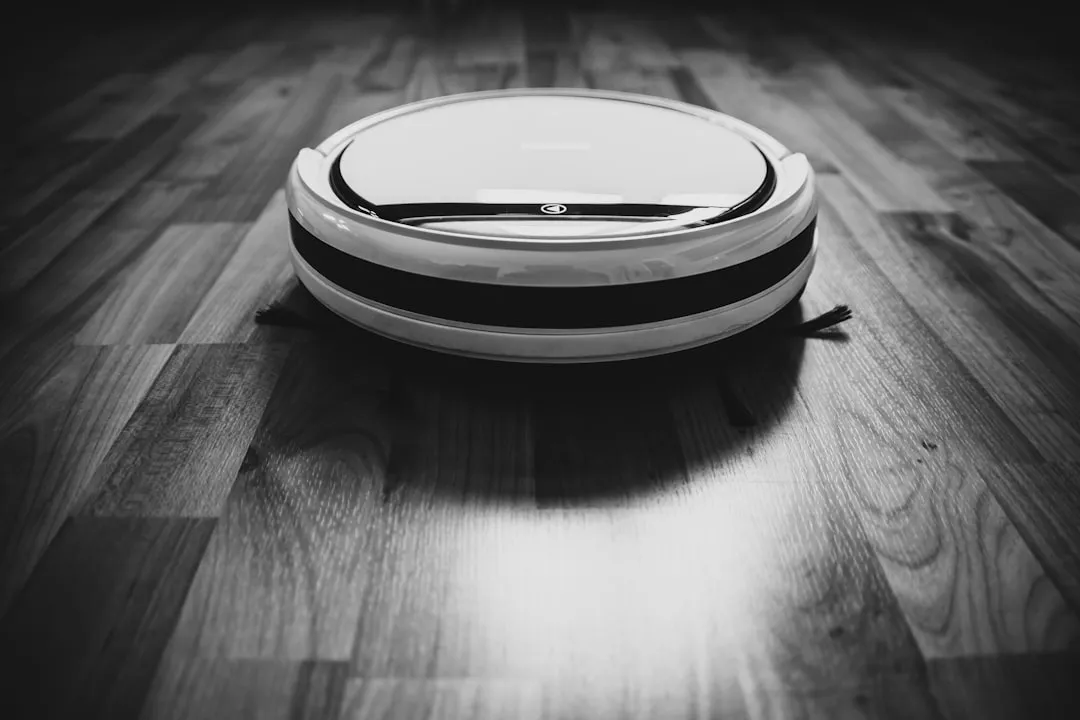
Are Self-Emptying Robot Vacuums Worth It: Honest Buyer's Guide
If you're asking whether self-emptying robot vacuums are worth it, the honest answer is: it depends on how messy your home actually is. These machines sell a specific promise press a button, and you're done for weeks. For the right household, that promise mostly holds. For the wrong one, you're paying a premium to trade one kind of hassle for several others.
The category now spans from budget-friendly compression-based robots around $200 to all-in-one vacuum-and-mop systems at $1,500 or more. More options means more ways to buy the wrong thing. Understanding how these docks actually work, what they cost beyond the sticker price, and what maintenance genuinely looks like is the only way to make a sensible call.
How self-emptying docks actually work
After each cleaning run, the robot returns to its base and positions itself over an intake valve. A second motor inside the dock more powerful than the robot's own pulls debris from the robot's small onboard bin into a larger reservoir. That reservoir stores everything in either a sealed disposable bag or a reusable canister. CNET notes this works well for fine particles like dust, dander, pet hair, and crumbs, but runs into trouble with anything larger.
Bottle caps, longer hair strands, and small objects like cat toys can clog the intake path or filter and eventually block suction altogether. Dust also accumulates inside the dock's internal ducts over time, coating sensors and triggering false "bin full" alerts that cut cleaning cycles short, according to CNET.
CNET's reporting identifies four recurring failure patterns worth knowing before purchase: weak suction during the empty cycle, which usually signals a partial clog or a full bag; frequent "bin full" alerts despite a recently changed bag, caused by dirty sensors restricting airflow; the robot failing to dock correctly due to debris around the intake; and dust leaking inside the base station from worn seals or an improperly seated bag. None of these are catastrophic in isolation, but they compound.
The dock motor stresses seals, ducts, and filters every time it cycles, and those components wear down, per CNET. One iFixit user report from last September shows what that degradation can look like in practice: a Roborock S8 MaxV Ultra got stuck in a loop where the dock motor would run and stop but the app never registered completion, leaving the robot unable to resume cleaning or charge. Standard troubleshooting clearing blockages, cleaning filters, power cycling the unit didn't fix it. One user's account isn't a failure rate, but it illustrates the category of problem that CNET's reporting documents more broadly: a second mechanical system means a second set of things that can break.
Self-emptying robot vacuum pros and cons: what ownership really costs
The sticker price is the easy part. The recurring costs are where self-emptying systems catch buyers off guard.
Replacement bags for bagged systems run $15 to $30 per month, according to CNET. That's $180 to $360 a year on top of the hardware cost. Dock-specific replacement filters add another $10 to $20 each, needed every one to three months depending on usage. Some manufacturers also push proprietary cleaning solutions for models with mop-washing features, per CNET costs that don't show up anywhere in the product listing.
Bagless canister docks sidestep the bag expense, but introduce a different problem: emptying a canister releases more airborne dust than tossing a sealed bag does. CNET notes this tradeoff directly. For allergy-sensitive households, it matters sealed bags keep debris contained until disposal, while a canister may briefly spike dust exposure every time it's emptied.
Then there's space. Full self-emptying base stations are physically large. The Mova P50 Pro Ultra's dock measures roughly 18 x 16.5 x 18.5 inches, per ZDNET's lab testing. In a small apartment, that footprint is a real constraint, and product listings rarely mention it. Noise is another live-in reality: the dock's more powerful motor makes self-emptying systems louder than standard robot vacuums overall, CNET notes. A scheduled 6 a.m. empty cycle in an open-plan apartment is not subtle.
What maintenance actually looks like
Here's the core tradeoff: a self-emptying dock converts frequent, low-effort bin dumps into less frequent but more involved maintenance sessions. How involved depends on how hard you run the robot.
Light use (small home, mostly hard floors, light debris): a monthly base station check is usually enough, CNET notes, and some owners may need to do little beyond swapping bags.
Moderate use (daily or every-other-day runs in a medium-sized home): a dock inspection every two to three weeks is the practical baseline, per CNET.
Heavy use (large home, significant carpet, multiple pets): weekly checks plus a thorough monthly deep clean, according to CNET.
A deep clean isn't just swapping the bag. Neglected docks accumulate dust in ducts, develop odor from trapped debris and water in combo models, and lose suction as filters degrade. Ryan Wu, head of Narwal Americas, told CNET: "When sensors are obscured or brush rolls are tangled, the robot's navigation and suction power drop significantly." Filters need cleaning or full replacement every one to three months depending on the model, per CNET.
Skip those tasks, and the dock starts working against you. One missed filter clean reduces suction; coated sensors generate false alerts; worn seals let dust escape into the base. A standard robot vacuum with a manually emptied bin has fewer of these cascading failure modes it's just a bin you empty. The dock amplifies consequences.
Combo models that wash and dry their own mop pads extend the list further. Dirty-water drainage, clean-water refills, and internal pipe cleaning all get added to the routine. That automation is genuinely useful in high-debris, multi-pet homes, but it's more system to keep running, not less. ZDNET notes the Mova P50 Pro Ultra requires attention every few weeks for these tasks when run regularly better than daily, but not passive.
Should you buy a self-emptying robot vacuum for your home?
The most reliable predictor of whether a self-emptying dock pays off is simple: how often would you empty a standard robot bin? If the answer is daily or every other day, the dock earns its cost and complexity by consolidating that friction into less frequent maintenance sessions. If you'd empty it once a week or less, the dock adds overhead without solving a real problem.
Buy one if:
- Your home generates high debris volume multiple pets, heavy shedding, significant carpet coverage, or daily tracked-in mess
- You'd otherwise be emptying a standard robot bin daily or every other day
- You're prepared to exchange frequent, low-effort bin dumps for periodic dock maintenance, recurring filter costs, and $15 to $30 a month in bags for bagged systems
Skip it if:
- Your home is small or mostly hard floors with light daily debris; CNET is straightforward that the dock adds cost and complexity without proportionate benefit in these cases
- You're allergy-sensitive and lean toward bagless the dust-exposure tradeoff at canister-emptying time tips toward sealed-bag systems, which are harder to find at lower price points
- Space is tight: the Mova P50 Pro Ultra's dock alone is nearly 19 inches tall and over 18 inches wide, per ZDNET, and it needs a permanent home
Three alternatives worth knowing:
-
Compression-based (3i G10+, around $200): Onboard debris compression lets you go up to 60 days between emptying, per ZDNET's testing, with no dock-vacuum motor, no replacement bags, and a charging station under five inches tall. For buyers whose main objection is frequent bin dumps, this solves the problem without the dock overhead entirely.
-
Bagless canister dock (Ecovacs Deebot X11 OmniCyclone, $899 on a current limited-time deal, typically $1,500): Self-empties into a reusable canister, eliminating monthly bag costs. Claimed brush-tangling reduction to near-zero is notable, per ZDNET, though that figure comes from a single source. The tradeoff: canister emptying releases more dust than a sealed bag at disposal time.
-
Premium hands-free (Mova P50 Pro Ultra, $799): Best fit for high-mess, multi-pet households willing to do periodic maintenance. Combines self-emptying, an anti-tangle roller that cuts hair as it rolls, and self-washing mop pads, requiring owner attention every few weeks rather than daily, per ZDNET. It may be overkill for a tidy apartment, but for a busy household it comes closer to the hands-free promise than most.
The practical buying rule
Buy the dock if it solves a daily friction. Skip it if it solves a weekly one.
The self-emptying category keeps improving. Anti-tangle rollers, bagless canister docks, onboard compression, and newer combo models where some units self-clean internal piping with steam or hot water are all design responses to the same problem: early self-emptying systems created new maintenance burdens while trying to remove old ones. A CNET editor noted last week that some newer models they've tested handle internal pipe cleaning automatically, reducing one of the less obvious maintenance headaches. ZDNET's current testing shows mid-range models closing the gap on premium ones.
For now, the best self-emptying robot vacuum for a busy household is the one sized to how messy that household actually is. A $200 compression robot handles a studio apartment with one cat. A $799 combo unit handles a three-bedroom home with two shedding dogs. The mismatch a full self-emptying dock in a small, lightly used home is where buyers consistently overpay and underuse.








Comments
Be the first, drop a comment!